Portal tour
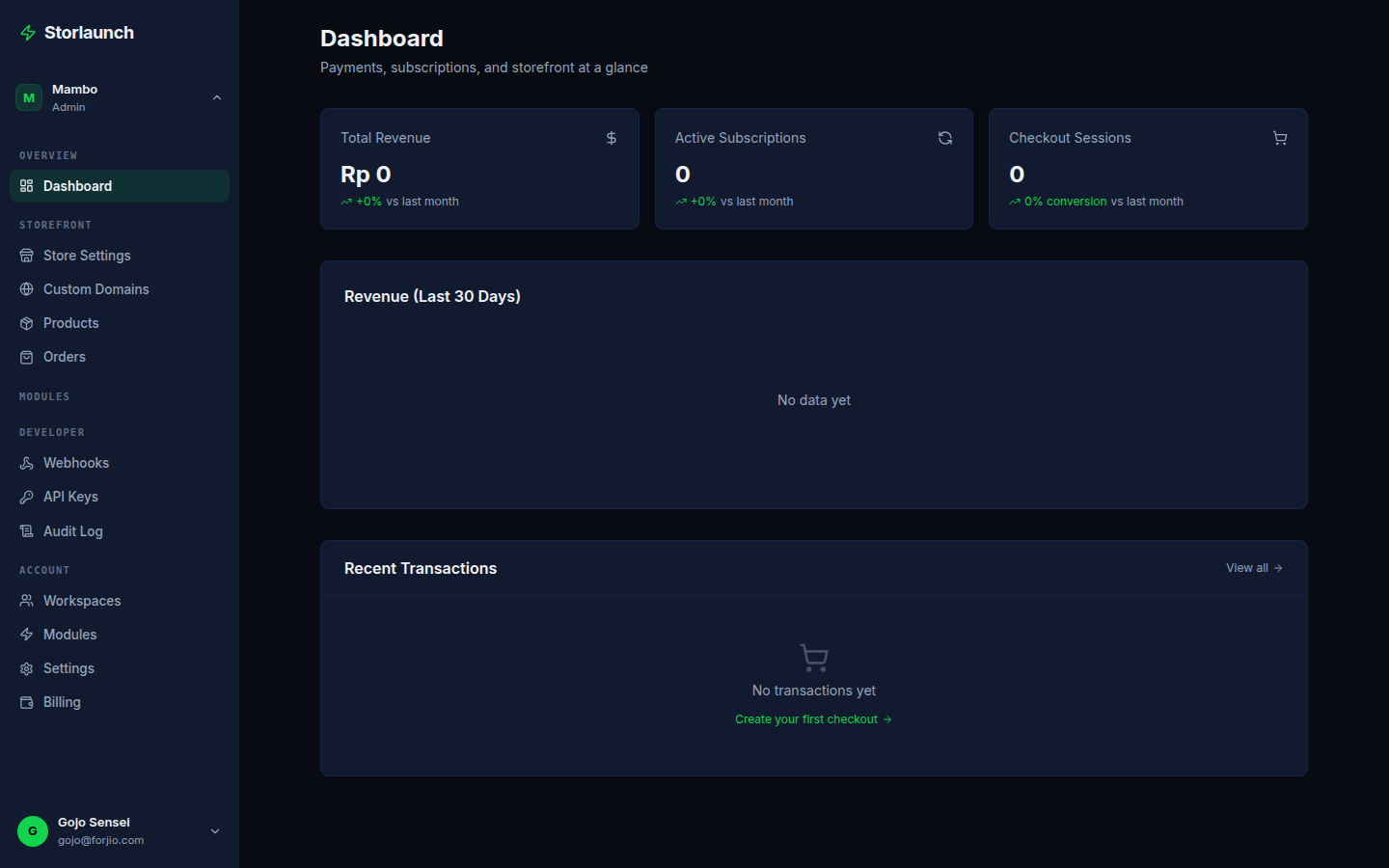
The Storlaunch portal at storlaunch.forjio.com/dashboard is your day-to-day workspace. This section walks through every page in the dashboard with a focus on what each one is for, the common tasks, and where the embedded modules from sister products (Plugipay, Fulkruma, Ripllo) appear.
If you're looking for a specific feature, jump straight to it from the sidebar on the left. If you're new, read through this overview first.
This section is being written. The overview and structure are in place; a handful of feature pages have shipped. We'll fill the rest in over the coming sessions. Meanwhile, the dashboard itself has contextual help on most pages — look for the ? icon in the top-right.
Layout
The portal has three main regions:
- Sidebar (left) — primary navigation. Sections: Storefront, Products, Orders, Customers, Marketing, Reports, Settings.
- Top bar — workspace switcher, test/live toggle, search, notifications, account menu.
- Main content — the page you're on.
The sidebar collapses on mobile and narrow viewports. The top-bar workspace switcher is also where you find the active storefront if your workspace owns more than one.
Test vs live mode
The top-bar toggle switches between test and live mode. Everything in test mode is sandboxed:
- Test API keys (prefixed
pk_test_/sk_test_) - Test storefronts, products, orders, customers
- No real payments — Plugipay simulates approval
- No real shipments — Fulkruma simulates fulfilment
Production should use live mode. Development should use test mode.
A clear orange banner appears at the top of the dashboard when you're in test mode so you don't confuse the two.
Workspace switching
Top-left chip shows the active workspace. Click to:
- Switch to another workspace you're a member of
- Create a new workspace
- View workspace settings
Switching is instant — no page reload. The URL changes to reflect the new workspace path.
Embedded modules from the family
Storlaunch is a thin operations layer that delegates to sister products for some surfaces. The dashboard makes these feel native by embedding their UIs:
| Section | Backed by | What it covers |
|---|---|---|
| Settings → Payments | Plugipay | Linked Plugipay workspace, payment methods, payout schedules |
| Orders → Fulfilment | Fulkruma | Shipment status, courier handoff, label downloads |
| Marketing | Ripllo | Discount codes, abandoned-cart recovery, referrals, blog, pixels, feeds |
You don't need a separate login for any of them — the embedded surfaces use the same Huudis session.
Common tasks — quick links
| Task | Where |
|---|---|
| Configure a storefront | Settings → Storefront |
| Add a product | Products → New product |
| View an order | Orders → All orders |
| Process a refund | Orders → <order> → Refund |
| Create an API key | Settings → API keys |
| Connect a custom domain | Settings → Domains |
| Set up a discount code | Marketing → Discounts (embedded Ripllo) |
Coming pages
The full portal section will eventually cover:
- Storefront
- Products
- Orders
- Customers
- Inventory
- Shipping
- Domains
- Discounts & marketing (Ripllo)
- Payments & payouts (Plugipay)
- API keys
- Webhooks
- Team
- Settings
- Audit log
Each will include screenshots, common workflows, and shortcuts.
Next
- Portal → Storefront — configure the shop your buyers see.
- Portal → Products — manage the catalog.
- Portal → Orders — the order lifecycle.
- API overview — do the same things programmatically.